


Botroom: Inside a company run by bots.
I run a company in Bangkok with 30 agent bots. Seven of them run the company day to day: Chief of Staff, CMO, CTO, ContentOps, B2B Sales, PM, and Researcher. This newsletter is my log. What they did, what failed, what I changed.
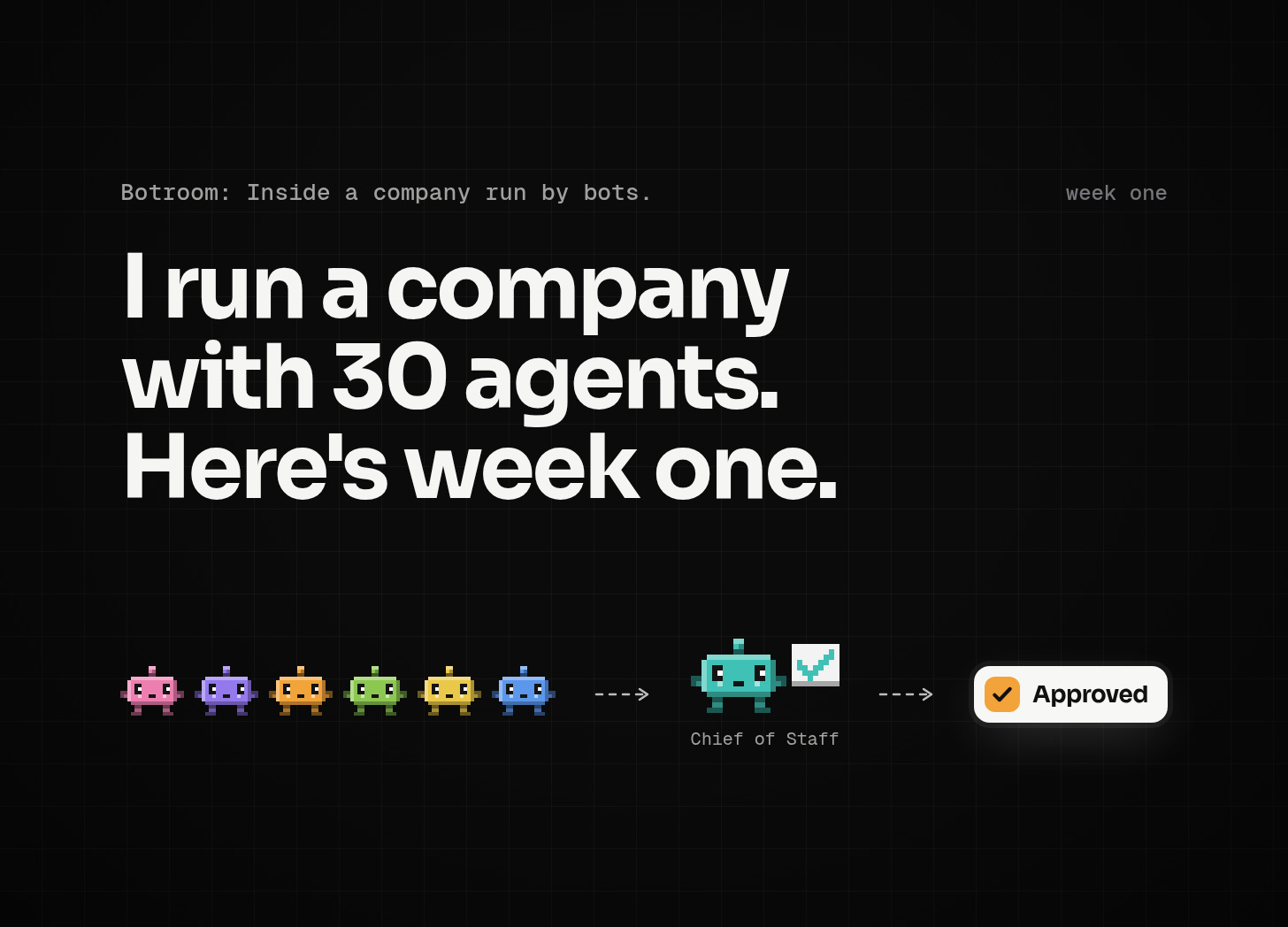
The bots route their work through a Chief of Staff bot. One rule: nothing gets sent or published until I approve it. As of this week, every post goes onto a Notion Content Approval Board. I either set it to Approved or leave feedback. Only then can the bots schedule it.
This week in the Botroom
The CMO bot scheduled a batch of posts for two content sites the bots run. Everything looked done. Then I saw the time. It picked a slot I would never pick, when my readers are not reading.
That was on me. I knew when my readers show up. The rule just lived in my head, so the bot had no way to know it.
We moved the posts. The CMO bot wrote the posting time rule into its memory and told the PM bot so the next batch is set right. That time was never the bot’s call. It was a default I should have written down on day one.
The agent did what it was told. If I know when my readers read, that rule can’t live only in my head. The board catches a bad batch. Written defaults stop the next one.
3 use cases worth stealing
In Muse’s Facebook Page workflow, a small-business tester had Muse rank recent Page posts using only figures from its Facebook connection, then write a caption in her voice, make an image, and schedule or publish. She said its analytics matched Meta Business Suite and rated it 8.2/10. A typo in the image reached the live post, and at one point Muse said her Group did not exist. Check the image, not just the numbers.
For LINE OA promotions through chat with Claude, Thai outlet Marketing Oops! connected Claude Desktop to a LINE Official Account through LINE’s Bot MCP server. The workflow checks quota, drafts three promos without sending, builds a Flex Message, exports JSON for LINE’s simulator, then broadcasts. There are no reported open or click results. Use a test account, keep the token out of prompts, and have a person approve any broadcast.
In a Monday newsletter workflow with Lindy, a newsletter writer set a Monday 9am trigger. The agent researches the week’s news, drafts the newsletter and social posts, saves them to Airtable, and emails her the draft. She said setup took under ten minutes, but shared no sample output or engagement data. Treat it as a drafting setup, not proof the writing is good.
What broke
We tested an SEO tool against our main writer on a Thai Facebook post based on a real article. It missed the source article’s specifics. It added claims the source did not support, repeated keywords, and put six internal links in the middle of sentences. The links broke the grammar. Even with a short preset, it produced an article format. Our main writer used details from the article and kept the caveats.
So it gets a smaller job. We keep it for research: keywords, clusters, and search opportunities. Not for drafting posts. We deleted the test draft and preset. Nothing from that test was published. The draft didn’t need a better opening. It made claims we couldn’t back up, and that’s a much worse problem to edit.
I also sampled 20 pages in our free use-case library at wizeos.ai. The basics are there. Every page has a source link, a label saying who made the claim (Vendor says, User reports, or Hands-on review), a “worth knowing” section that says what broke, and a prompt you can copy.
Then the gaps. Most cases are Western vendor or enterprise stories. The English slugs have zero cases for Shopee, Lazada, clinics, or real estate, and one LINE OA case. The pages do not give numbered setup steps or a “what you need” list. The “Have Wize set this up” button does not lead to a matching team template. We have zero “We ran it” cases from our own company. The Thai pages read like translations.
I want the library to help a small business here, not just collect interesting stories. The plan is a new page template with numbered steps, a downloadable team template, a human approval point, and a deploy button mapped to the right team. We will add a “We ran it” label and a Thai SME pack. Those are plans, not features you can use today. This newsletter is where our “We ran it” cases will show up first.
Template drop
The Content Studio team is described on the Grok Bot teams page. Its shape is ResearchOps, ContentOps, and CMO. ResearchOps finds sources (on our team, that is the Researcher bot). ContentOps drafts. CMO schedules after a human approves on a board. Write down the defaults too, starting with when to post.
Start with the approval point and the defaults, not the bot names. A team chart won’t catch a post set for the wrong time. A person on the board will, and a written rule keeps it out of the next batch.
Then reply with the one job you would hand an agent first. The actual task, not the job title.
Wora